Login
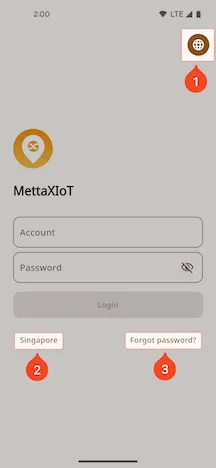
Login Page
Section titled “Login Page”Enter the username and password provided by the administrator to log in.
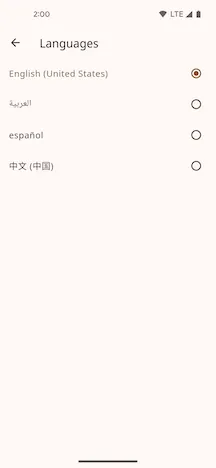
1. Language Selection
Section titled “1. Language Selection”Click to select your preferred language.
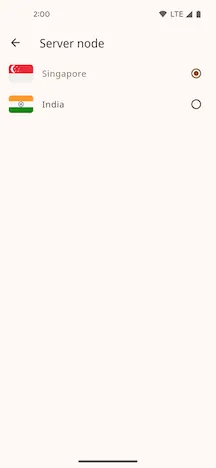
2. Select Node
Section titled “2. Select Node”Select the server node where your account is located. Data is isolated between different nodes. The default node is Singapore.
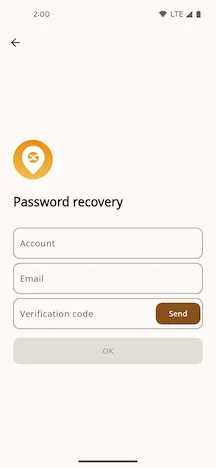
3. Forgot Password
Section titled “3. Forgot Password”You can use your registered email address to reset your password. A new password will be sent to that email.