Device Pairing
Pairing Device
Section titled “Pairing Device”Open MCTool. The device pairing page opens.
Pairing in Progress
Section titled “Pairing in Progress”MCTool first searches for an MDVR device through its hotspot. MCTool connects to the device when it finds it. If no device hotspot is connected, MCTool scans the connected Wi-Fi network.
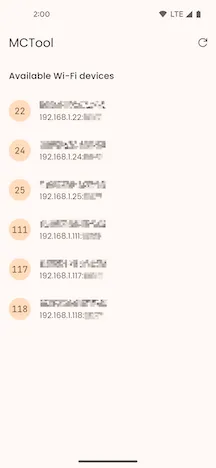
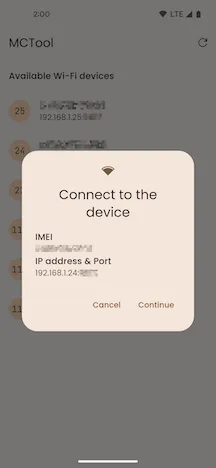
Connect to Device
Section titled “Connect to Device”Select the connection prompt. After the connection succeeds, MCTool opens MDVR Device Configuration.
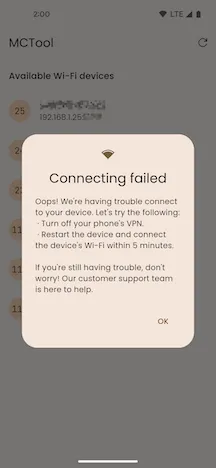
Connection Failed
Section titled “Connection Failed”MCTool shows Connecting failed. Check the Wi-Fi connection and pair the device again. If the problem continues, see the device manual.